Skerry

GPL-3.0

The SSH clientthe way it should be

One Kotlin Multiplatform core on Linux, Windows, macOS and Android. No vendor accounts, no cloud.

Detecting your platform…

root@prod-web-01db-masterOnline
85 × 35 · UTF-8

Comfortable work with your connections

One window to rule them all.

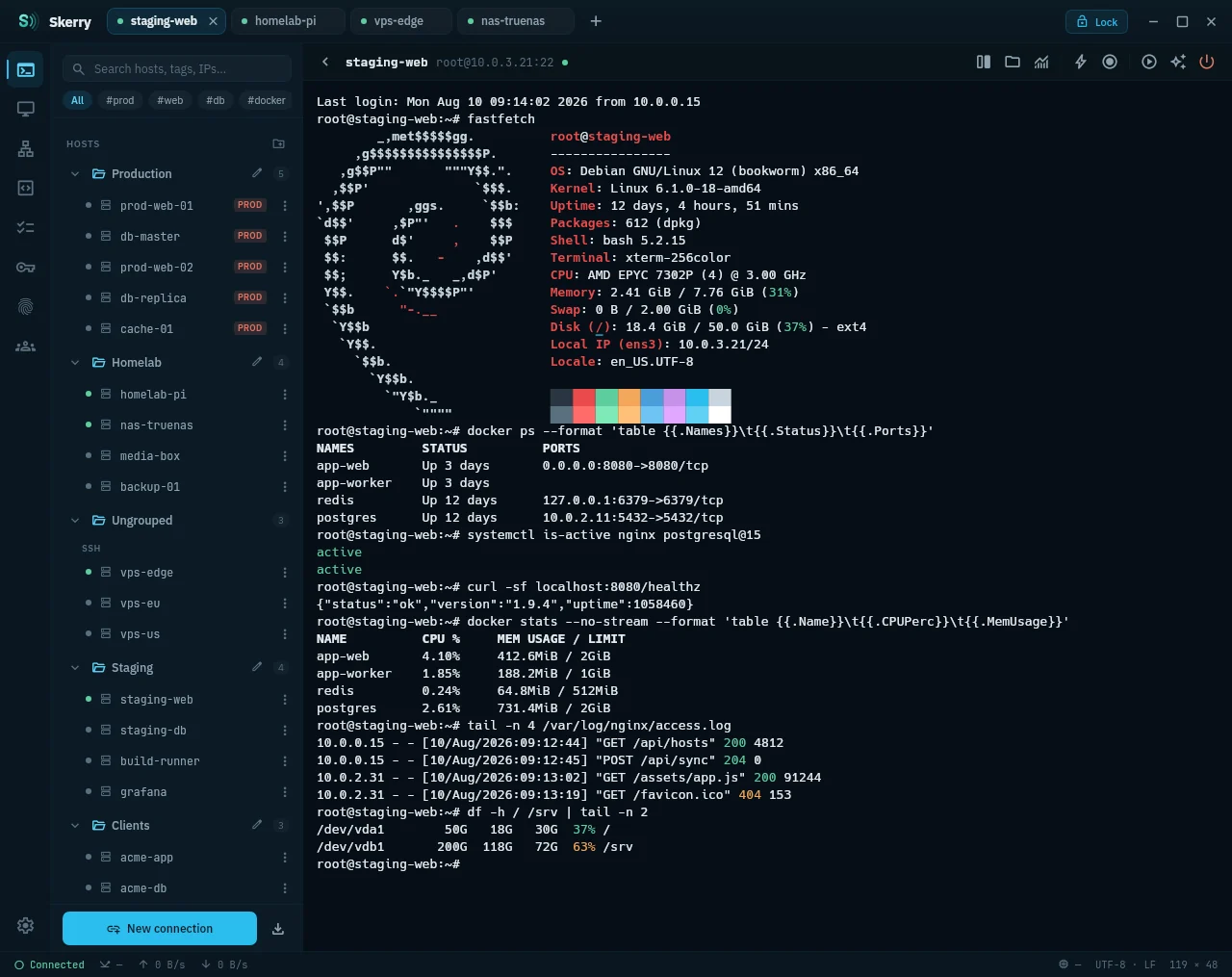
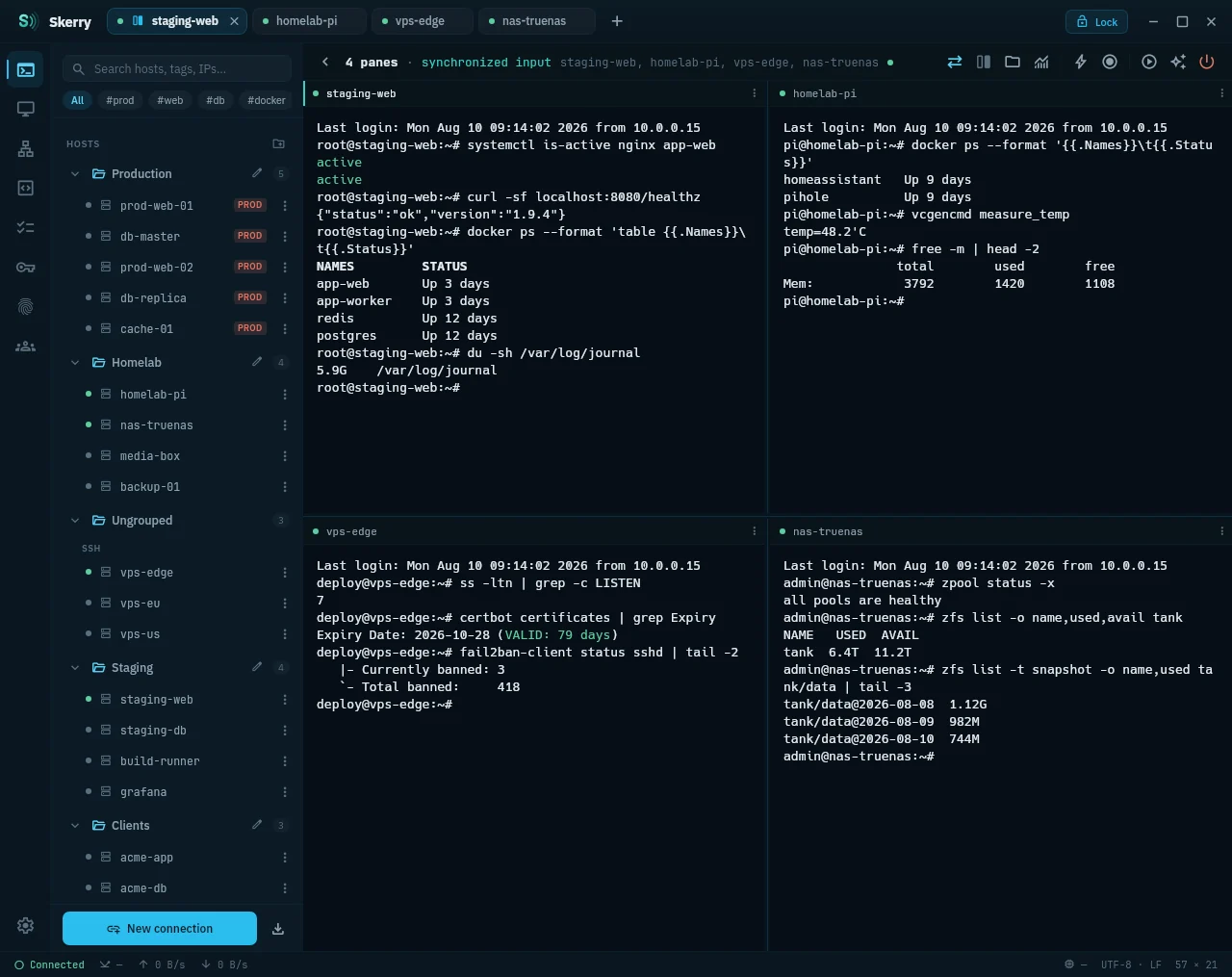
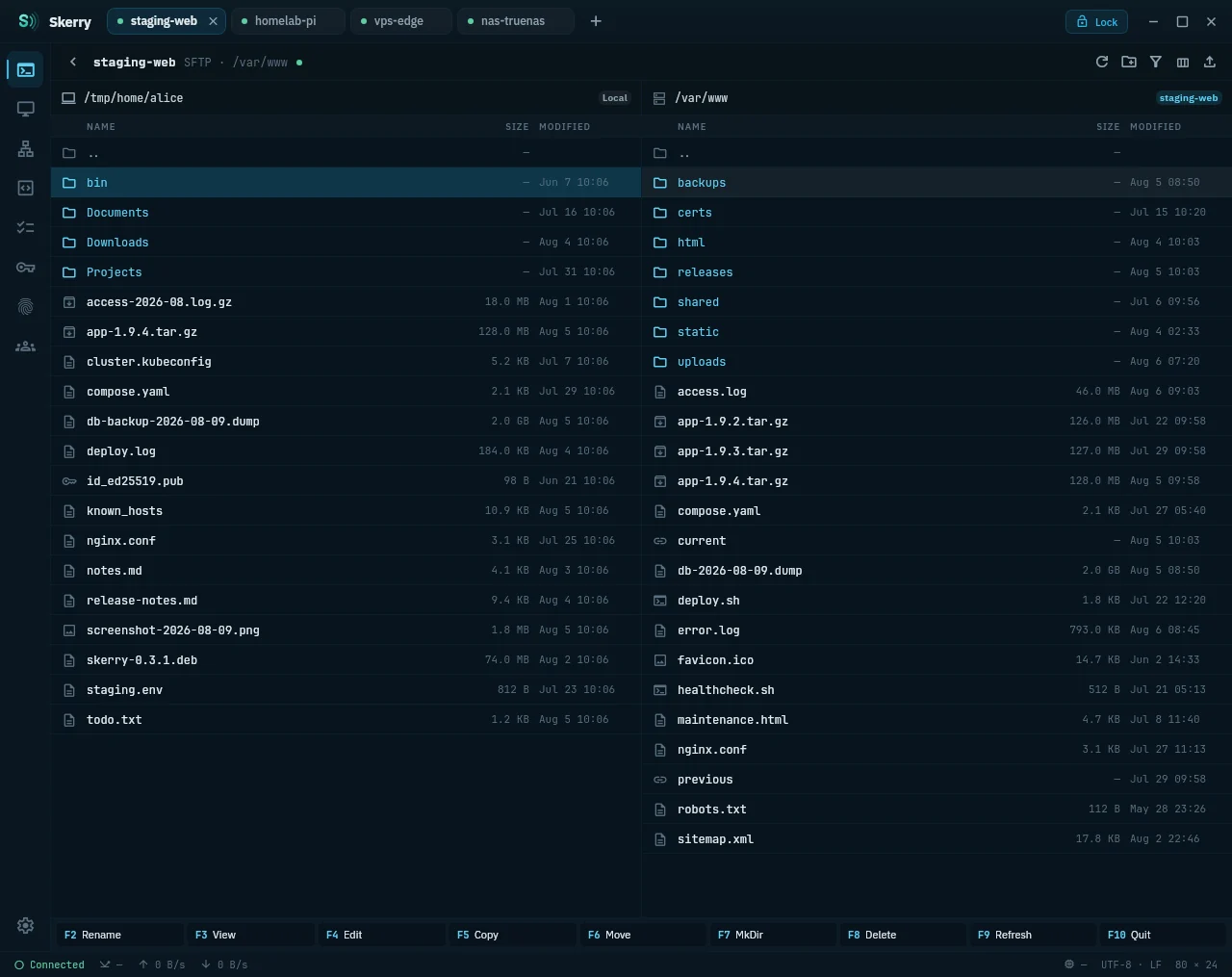
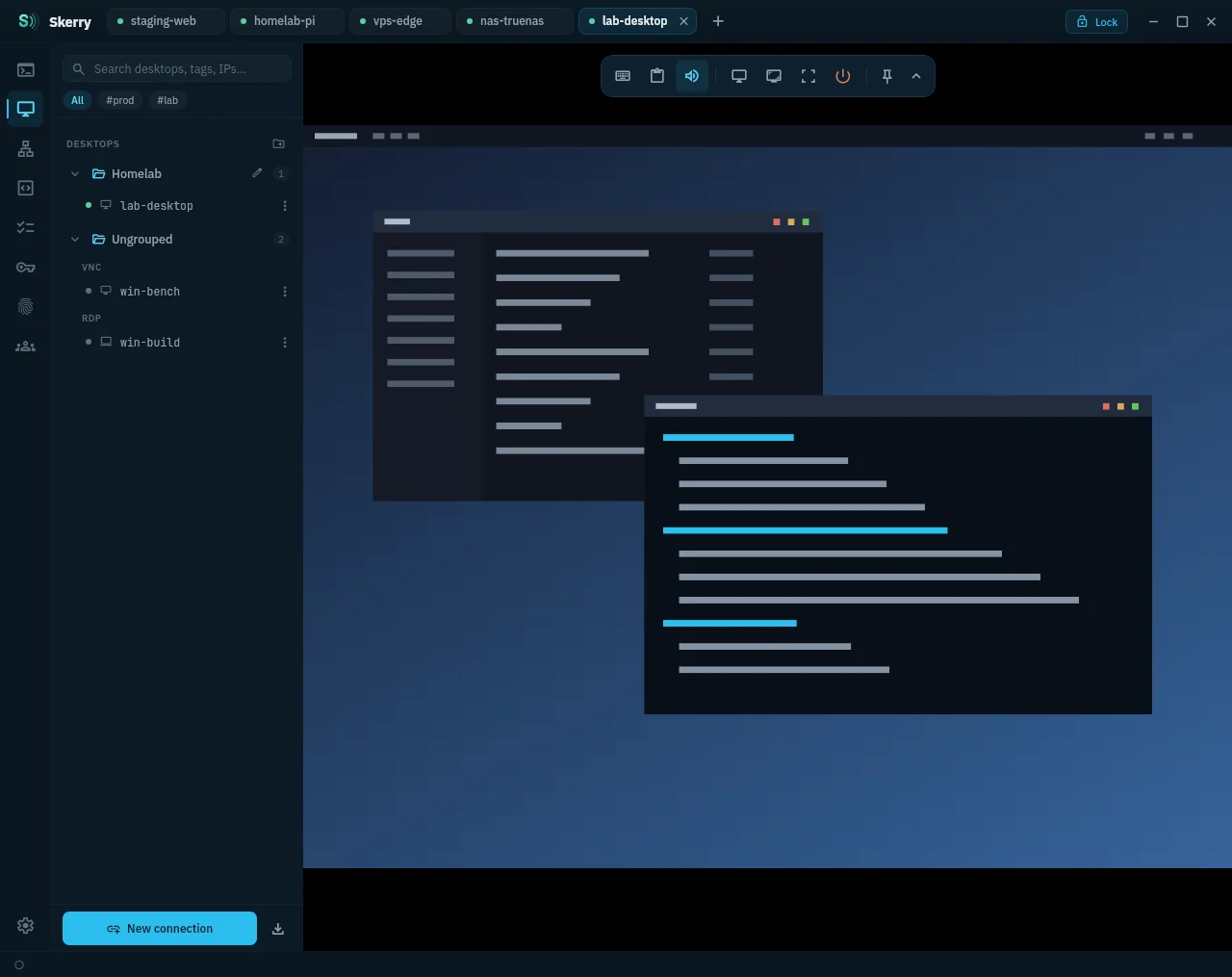
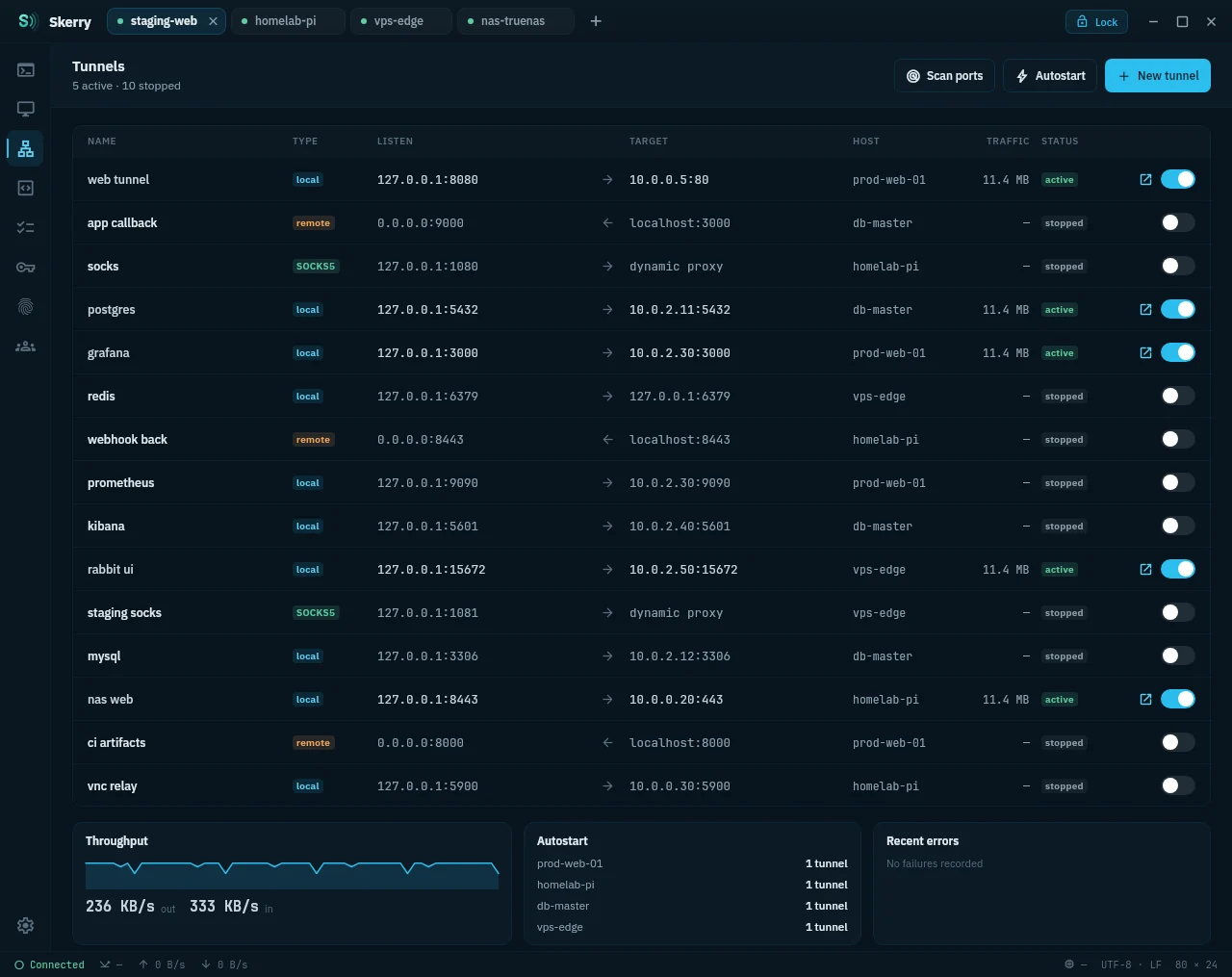
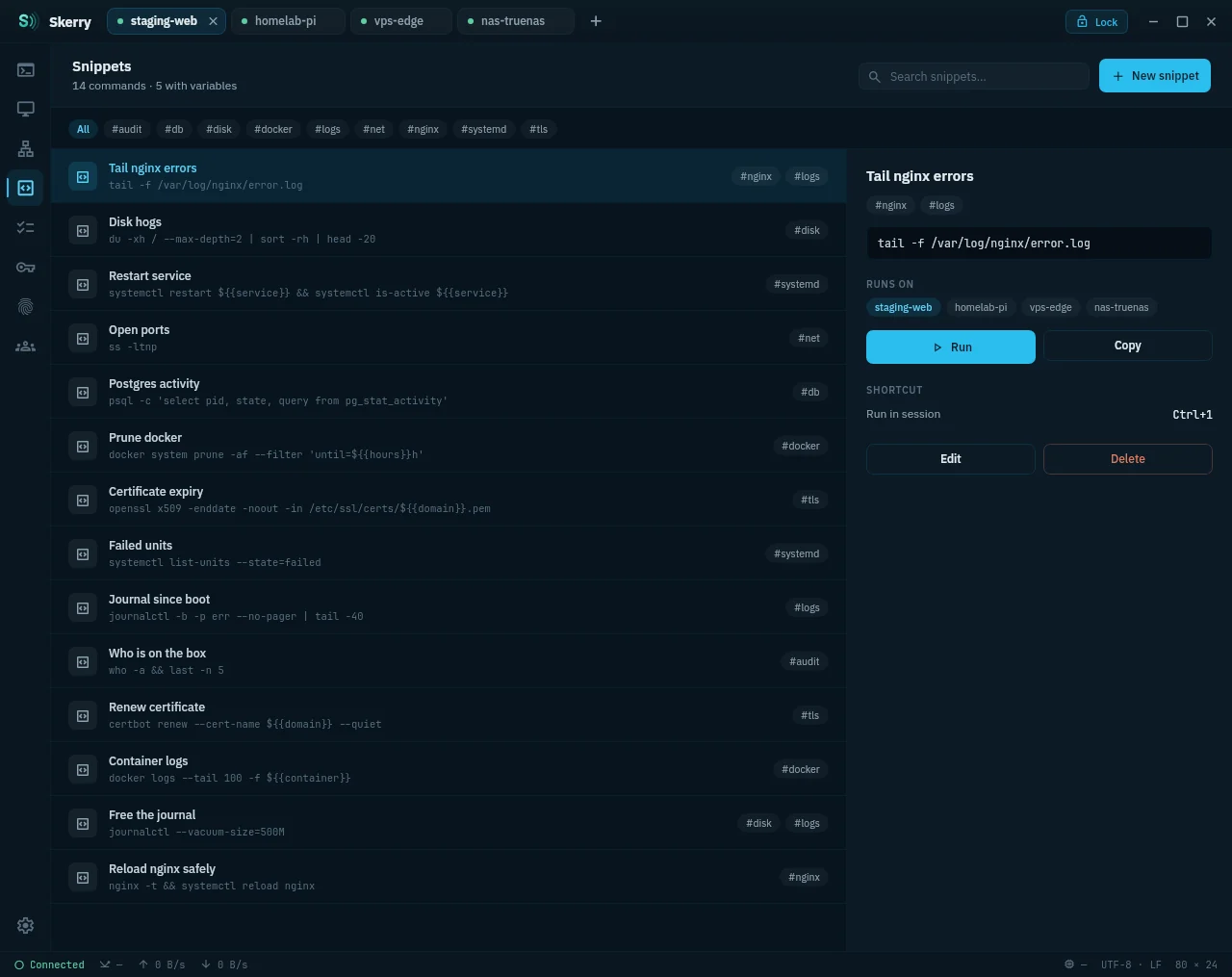
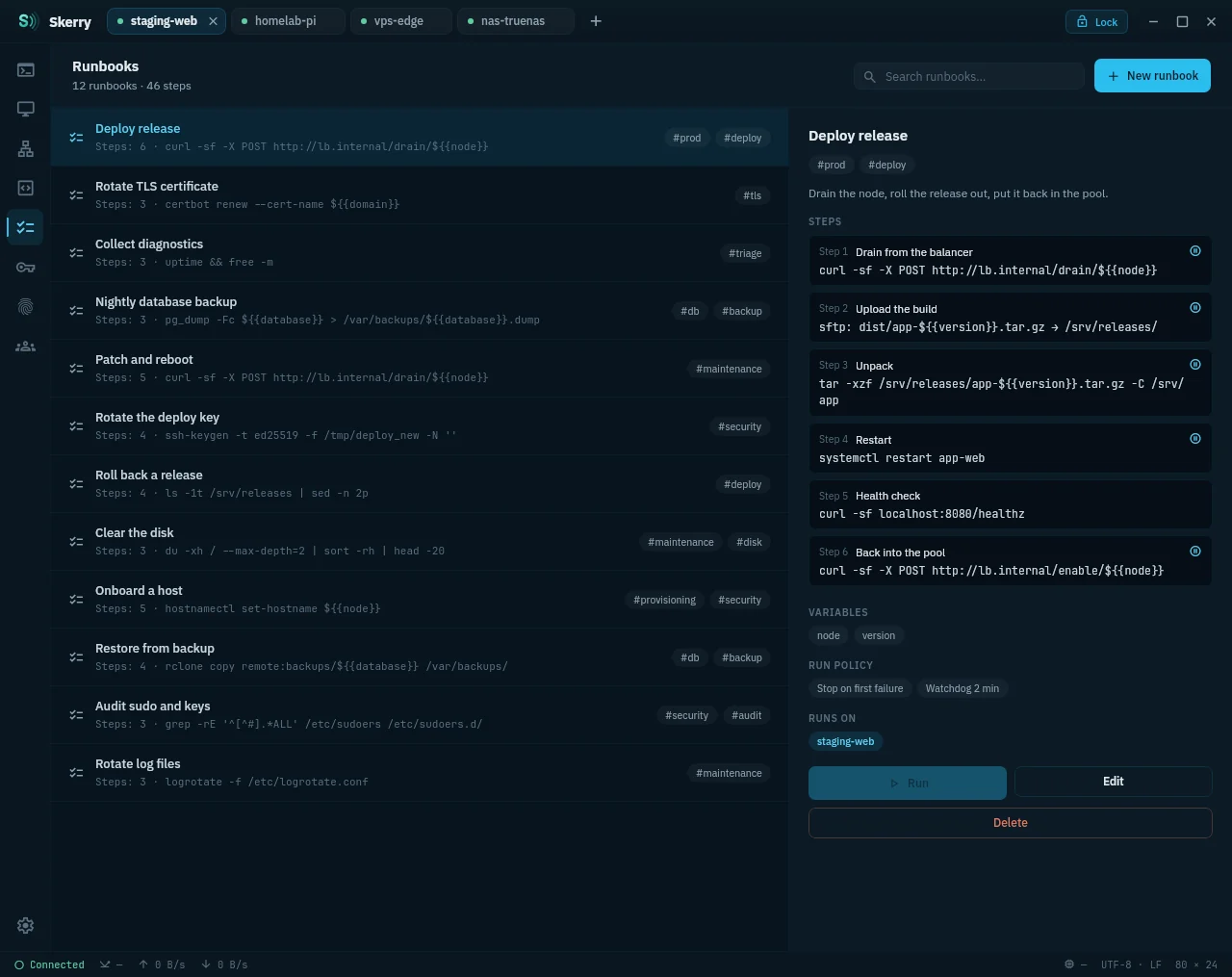
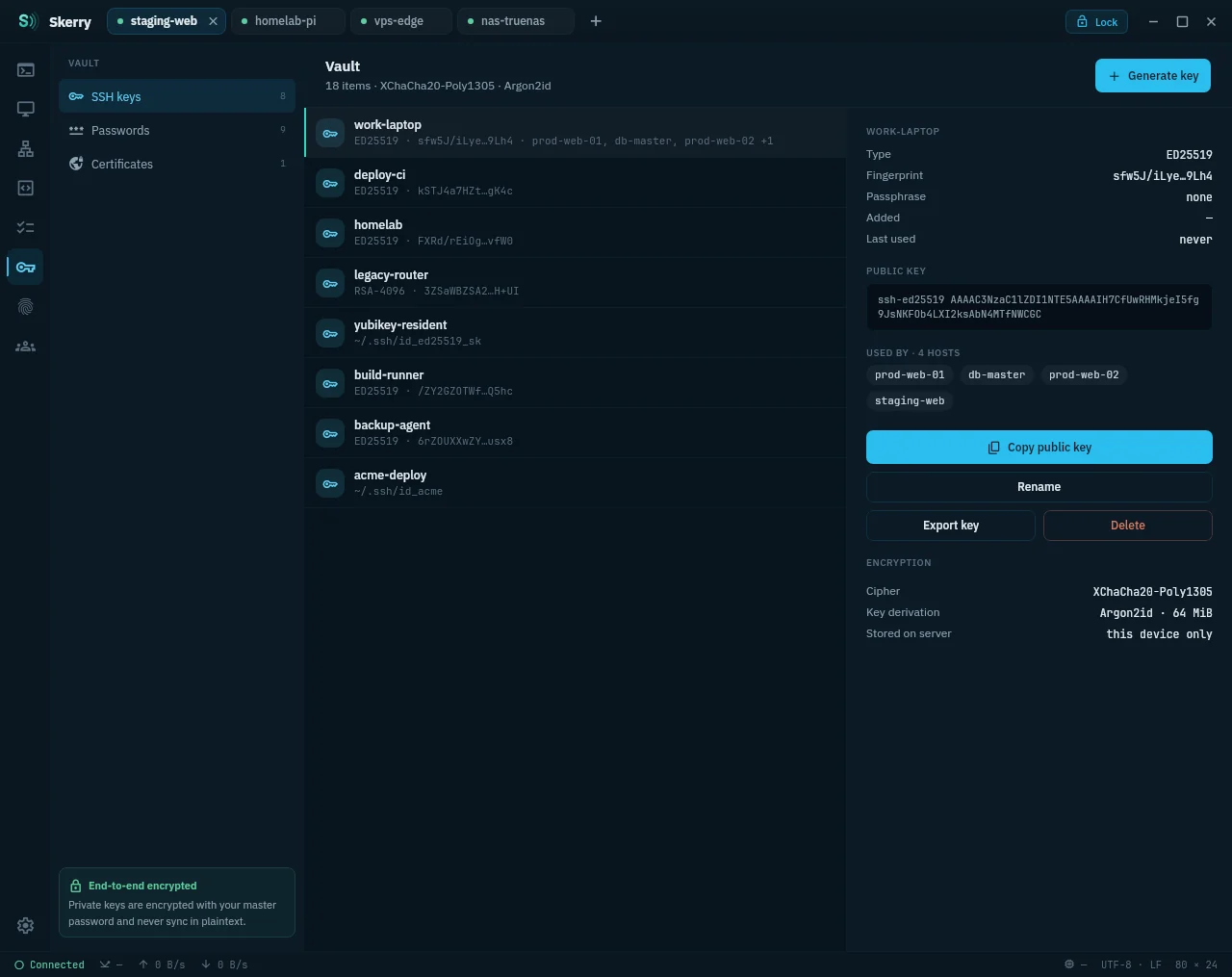
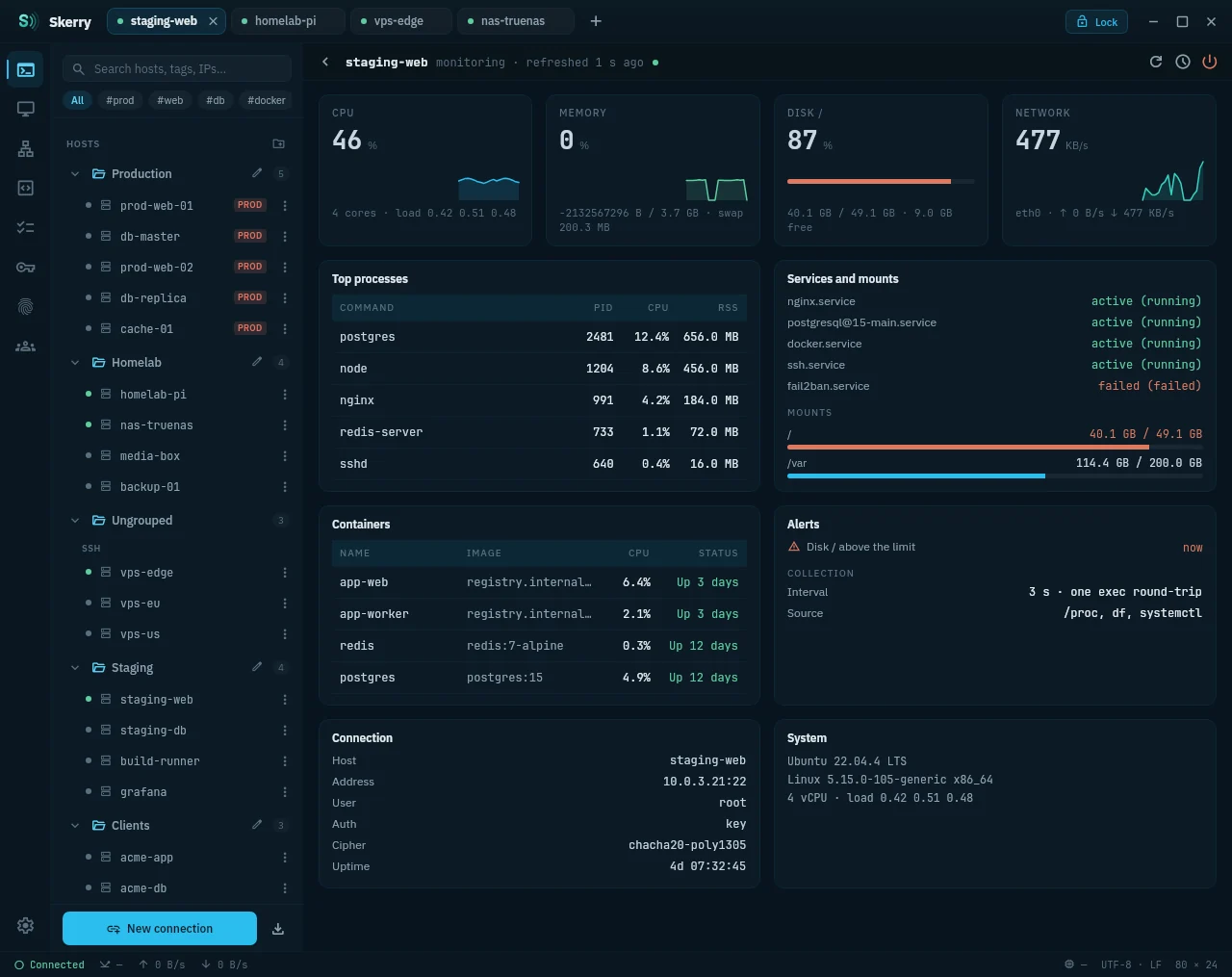
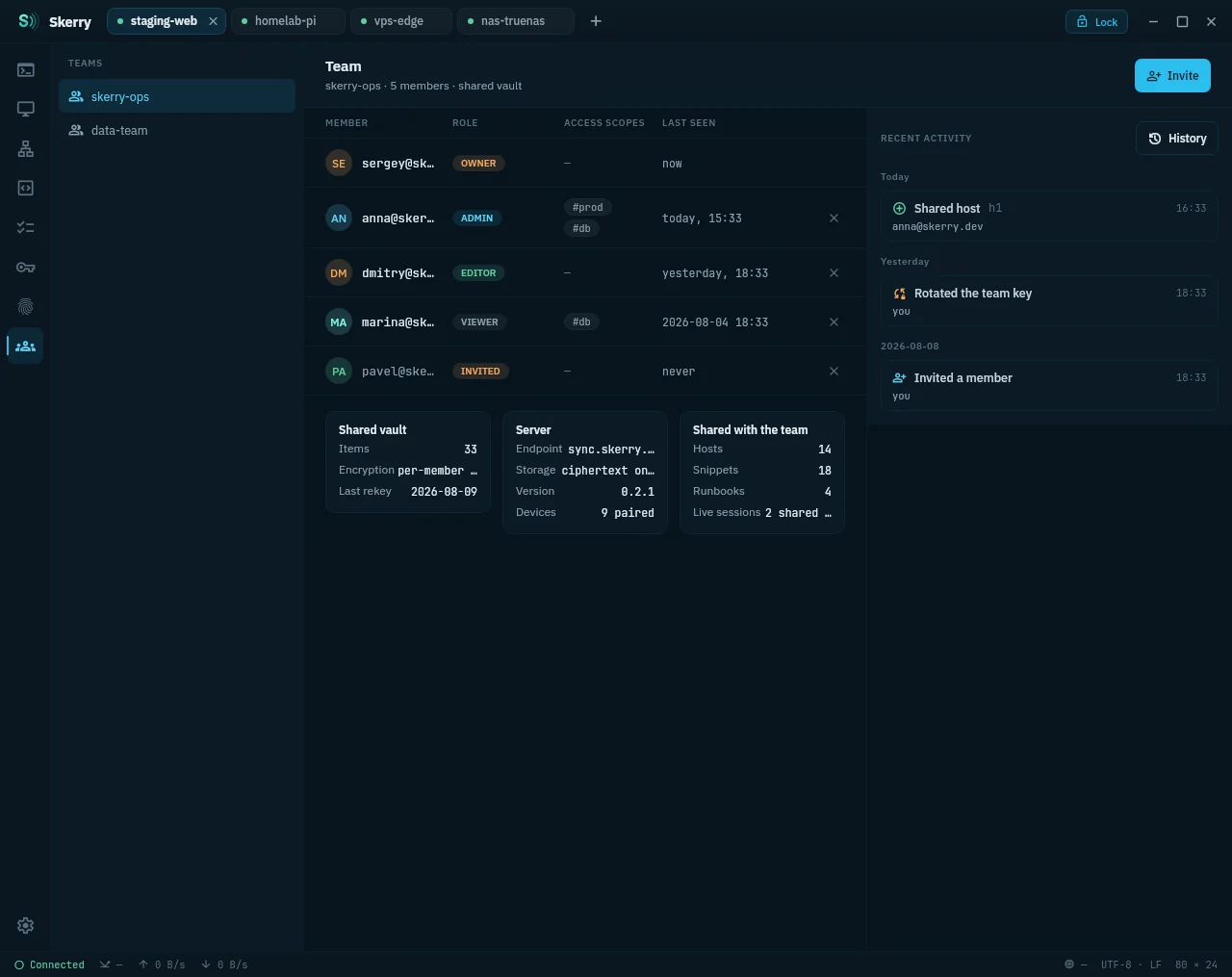
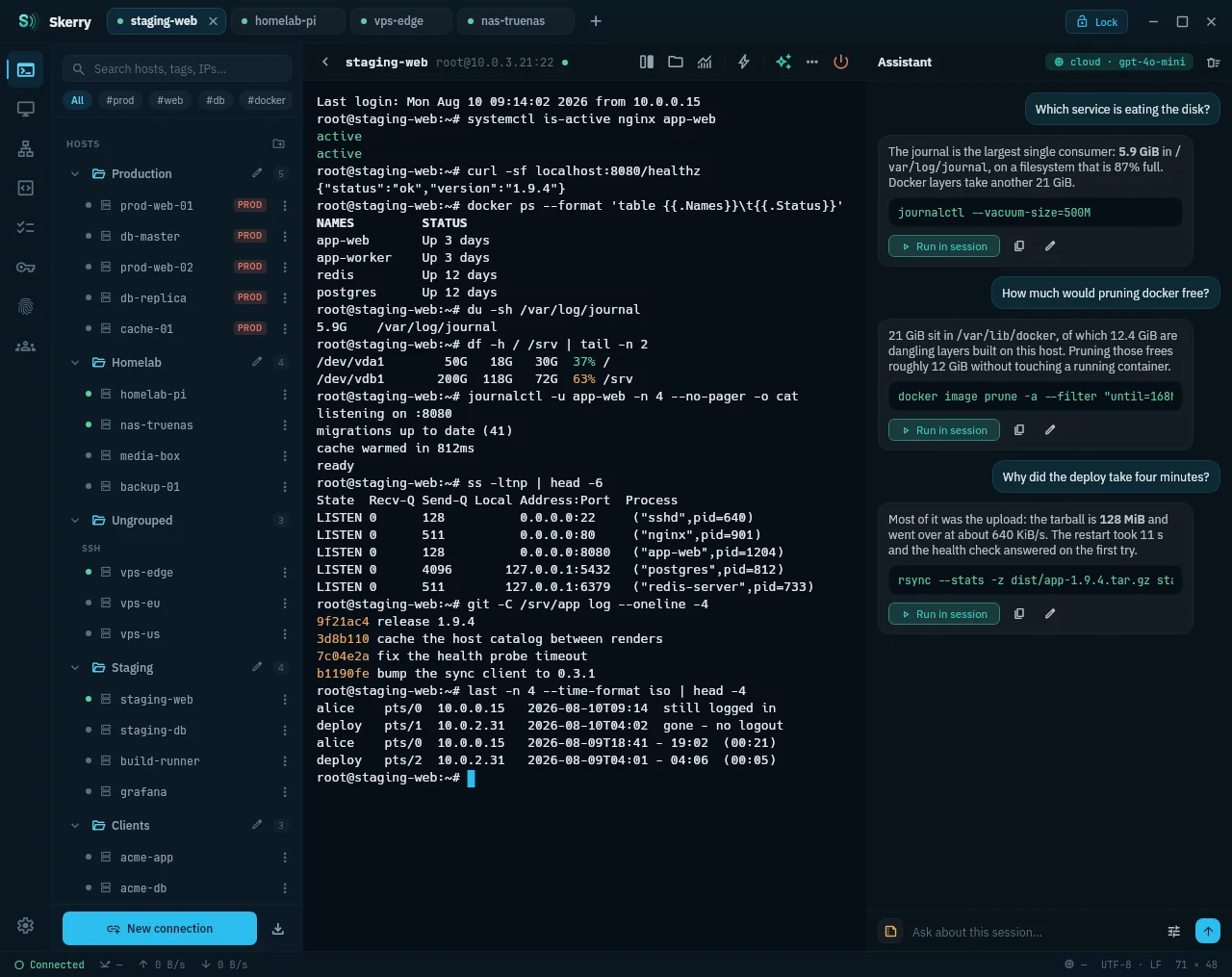
Skerry terminal with the host catalog and session tabsFour terminal panes in one tab with synchronized inputDual-pane SFTP file manager with local and remote listingsRemote desktop session with its floating icon stripPort forwarding manager with local, remote and SOCKS tunnelsSnippet library with variables and a preview of the command that runsRunbook running a sequence of steps across hostsEncrypted vault holding keys, passwords, certificates and tokensHost monitoring: CPU, memory, disks, services and processesTeam view with members, access scopes and the activity feedAssistant panel answering about the session output
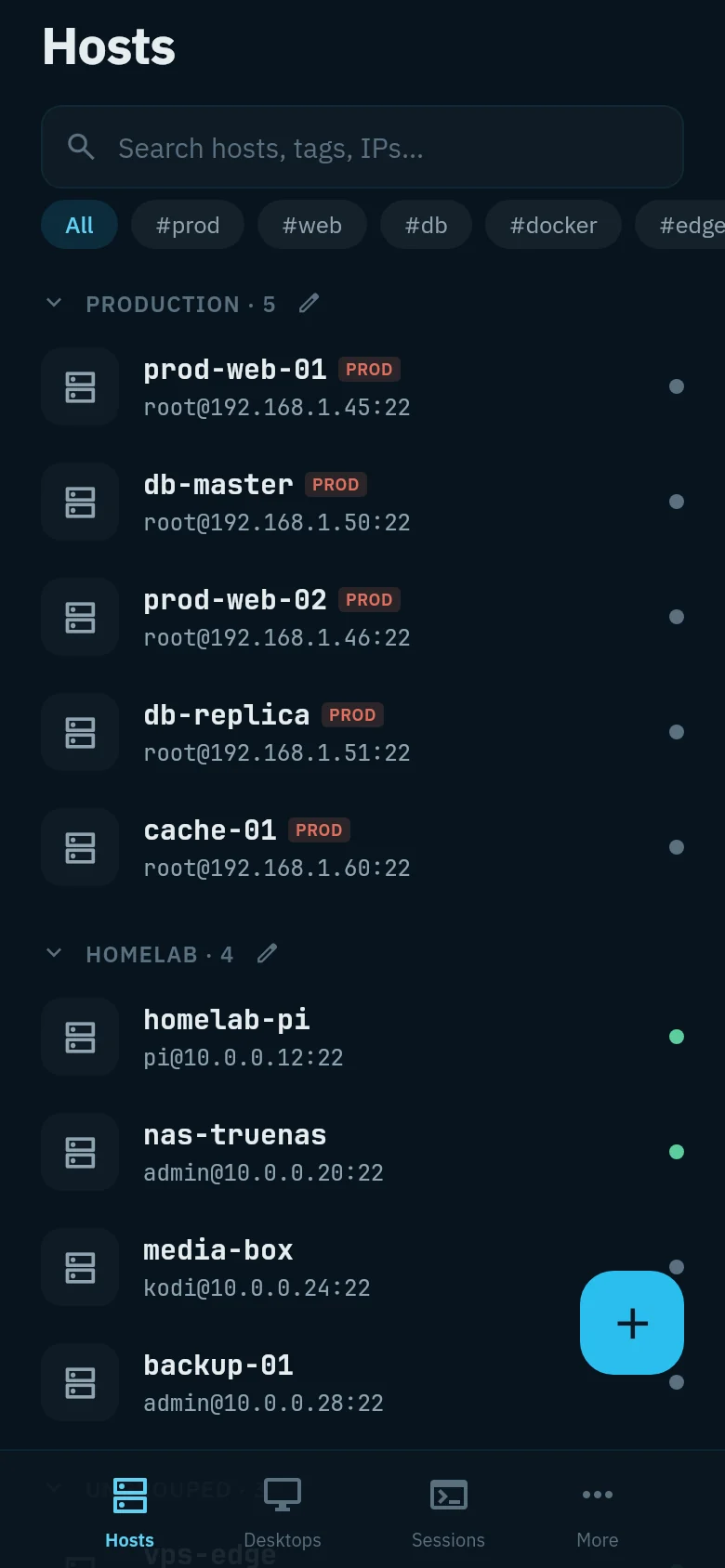
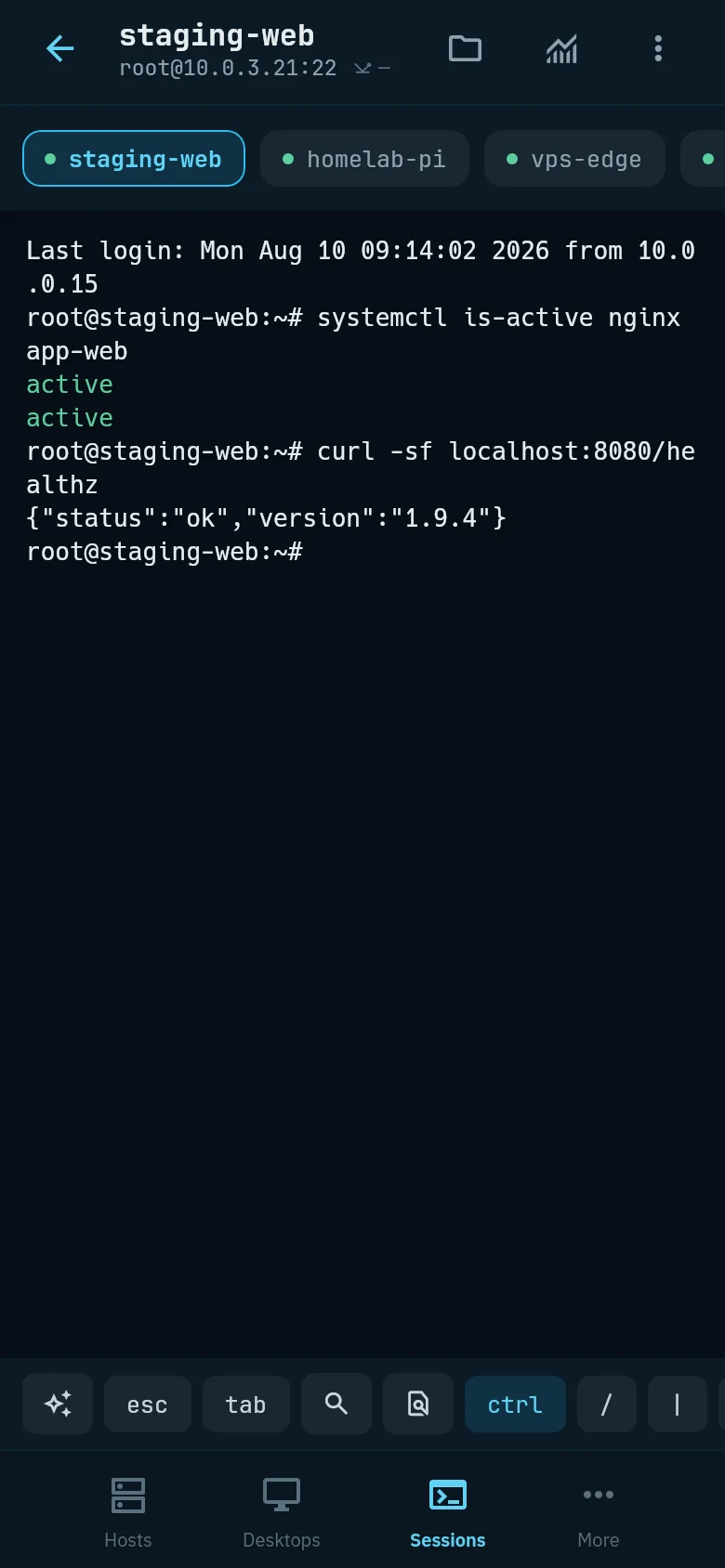
Android host list with groups and tagsAndroid terminal session
Session tabs, a host catalog with tags, and a session that opens at full width.

Features

Every protocol in one client, feature parity across desktop and Android.

Protocols & connections

SSH with jump hosts, certificates and keyboard-interactive 2FA. Mosh for flaky links. Telnet and serial port access. Docker and Kubernetes exec straight into a container. A local shell in a tab.

  • SSH
  • ProxyJump
  • Mosh
  • Telnet
  • Serial
  • docker exec
  • kubectl exec
  • local shell

Remote desktops

VNC and RDP on a client stack written for this project — no third-party client. H.264 support.

Terminal

Custom grid emulation, four tiled panes with synchronized input, scrollback search, a command palette that searches your history, and session recording in asciinema v2.

Vault

Argon2id + XChaCha20-Poly1305. Biometric decryption on Android. A 30-day trash for hosts and keys.

Sync — yours to host

Optional and self-hosted. The server stores ciphertext and sync metadata, verifies your password without seeing it (SRP-6a), and cannot decrypt anything. Changes arrive over WebSocket; devices pair by QR code.

Teams

End-to-end encrypted sharing of hosts and snippets, per-member permissions, and a user activity feed.

Production guard

On hosts tagged prod every command is scored for risk; the dangerous ones run only after your confirmation.

Snippets & runbooks

A command library with type-ahead. ${{…}} variables are filled in before the run — you see the final command first. Saved procedures go step by step; a step that exits non-zero stops the run.

Appearance & available languages

Nine themes, terminal included. English, Russian and Simplified Chinese UI.

What leaves your device

Only the update check by default. Everything else is switched on by you.

NEVER LEAVES

  • Master password and the derived key
  • Private keys, passwords, certificates
  • Terminal output and scrollback
  • Host list, tags, notes
  • Telemetry — there is none to send

WHAT CAN LEAVE, AND WHEN

  • Syncciphertext to your own server; the password never goes over the wire (SRP-6a)
  • Teamsrecords encrypted for the members you picked
  • Session sharingan end-to-end encrypted stream while the session is open
  • Cloud AIonly the text you type, to the endpoint and key you configured
  • Update checkthe one request that is on by default: the GitHub release API, no identifiers attached. Settings turn it off.

The assistant answers to a per-host policy

STRICT

Local model only. Default for new hosts. Nothing leaves the device.

BALANCED

Cloud allowed; obvious secrets are redacted first — pattern matching, not a guarantee.

PERMISSIVE

Cloud without redaction, for systems that hold nothing sensitive.

OFF

The assistant is hidden for this host.

A suggested command never runs by itself. It waits for your confirmation, and a risky one for a second.

Against the alternatives

Collected from the projects' own sites and repositories on 2026-08-10. Spotted an error? Open a PR.

FeatureSkerryTermiusPuTTYTabby
LicenseGPL-3.0 / AGPL-3.0proprietaryMITMIT
PlatformsLinux · Windows · macOS · AndroidLinux · Windows · macOS · Android · iOSWindows · UnixLinux · Windows · macOS
Pricefreefrom $10/mofreefree
Works without an accountlocal only
Encrypted vaultopt-in
Syncself-hostedvendor cloudself-hosted
Team sharingend-to-endpaid tier
SFTPdual-paneCLI only
Mosh
VNC / RDP
Live session sharingend-to-end encryptedpaid tier
AI assistantlocal or your keycloud only

Sync through your own server

Skerry works without a server. For the same vault on your laptop and phone, run your own: one container, SQLite in a volume, zero configuration. It stores ciphertext only.

  • SRP-6a login — the password never crosses the wire
  • Built-in web console: public page, account area, operator view
  • PostgreSQL instead of SQLite when you outgrow it
  • AGPL-3.0 — a fork that hosts it as a service gives its changes back
docker
docker run -d --name skerry-sync -p 8080:8080 \
  -e SKERRY_JWT_SECRET="$(openssl rand -base64 48)" \
  -e SKERRY_ADMIN_TOKEN="$(openssl rand -hex 16)" \
  -v skerry-data:/data \
  secherkasov/skerry-sync:latest

Then point the app at http://your-host:8080 — or skip this section.

Download

Direct links from GitHub — latest release.

Linux

x86_64 · arm64

AppImage runs without installing. The .deb and .rpm packages register a desktop entry.

Windows

x64

The installer is not code-signed — SmartScreen may ask for a confirmation on the first run.

macOS

Apple Silicon · Intel

Unsigned and not notarized: right-click the app → Open on the first launch.

Android

arm64-v8a · 8.0+

Signed APK, installs directly — no Play Store. Android 8.0 and newer.

Verify what you downloaded. Every release ships SHA256SUMS.txt; check it with sha256sum -c --ignore-missing SHA256SUMS.txt.

macOS and Windows builds are unsigned. There is no Apple Developer account behind this project yet: Gatekeeper blocks the first launch (right-click → Open), and SmartScreen may warn on the .msi. The macOS bundle reports a 1.x.y version because packaging demands a major ≥ 1 — the About screen shows the real one.

Or build it yourself. JDK 21 and ./gradlew :composeApp:run. The full instructions are on the setup page.